
Skip to content
DuoPrompt

Script examples

What does a good teleprompter script example look like?

A good teleprompter script example looks less like an essay and more like a list of things you'd say out loud: a hook in the first line, short sentences with one idea each, three to five labelled sections, and about 150 words per minute of video. Below are six complete scripts to copy, with word counts and read times.

Get it the day it launches

One email when it's on the App Store. No spam.

Published

By · Updated

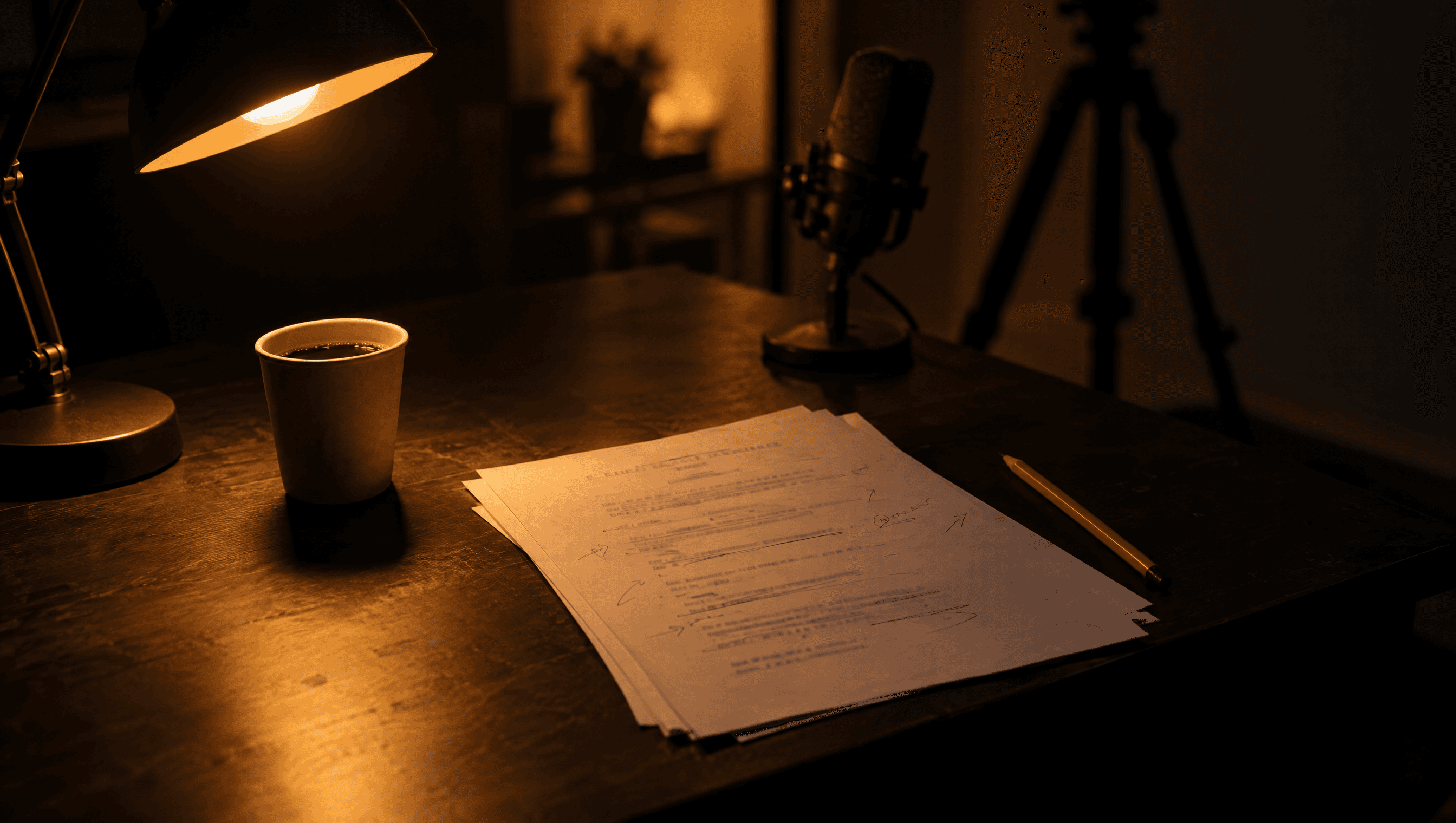
A dark desk at night lit by a warm amber lamp: printed script pages marked up in pencil beside a paper coffee cup, with a microphone and a tripod out of focus behind

What every good teleprompter script has

Scripts that read well on a teleprompter share a shape, whatever the video is about. Teleprompter.com's guide to writing speech scripts for teleprompter apps puts it simply: keep sentences short, and if a sentence holds more than one idea, split it. The University of Florida's video team, in its notes on preparing a teleprompter script, adds two more: use plain text, and use a conversational tone rather than stilted language. Put together, that gives five parts:

  • A hook as the first spoken line. The payoff or the problem, not a greeting.
  • Sections with labels. Hook, Problem, Fix, Call to action. If you stumble, you retake one section, not the whole video.
  • One idea per line. A line break is where you breathe.
  • Cues kept out of the spoken text. Notes like "(smile)" get read aloud by accident. Put them in brackets on their own line, or leave them out.
  • A length that fits the video. About 75 words for 30 seconds and 150 for a minute.

The step-by-step version of this is in how to write a teleprompter script. This page is the other half: finished examples you can read today.

The six examples at a glance

Word counts skip section labels and bracketed cues, since you don't say them. Times are at 150 words a minute.

Teleprompter script examples with spoken word counts and read times
ExampleBest forWordsRead time
Short-form tip (TikTok, Reels, Shorts)One tip, one payoff, vertical video6425 sec
YouTube video introThe first 30 to 45 seconds of a longer video6125 sec
Product demo or explainerShowing an app, a tool or a product7330 sec
Real estate listing videoA walk-through or a listing intro7730 sec
Sales prospecting videoA personal video for one prospect7330 sec
Presentation or Zoom openingThe first minute of a talk, pitch or webinar7730 sec

Six teleprompter scripts to copy

Each one is complete as written. Swap in your own topic, read it out loud once, and cut whatever you trip over.

01

Short-form tip (TikTok, Reels, Shorts)

64 spoken words · about 25 sec at 150 wpm

The hook states the result before the viewer can scroll. No greeting, no name, no "in this video".

## Hook

You're losing viewers in the first three seconds, and it's not your camera.

## Problem

It's your first sentence. Most people open with hi, or my name is. Nobody stays for that.

## Fix

Start with the result instead. Say what they'll get, then show it.

Like this video. You knew the point before I said hello.

## Call to action

Rewrite your next opening line tonight. Follow for the next one.

02

YouTube video intro

61 spoken words · about 25 sec at 150 wpm

Promise, proof, roadmap. Script the intro word for word and loosen up once you're into the body.

## Hook

I filmed fifty videos on a phone this year, and three changes made the biggest difference. None of them cost money.

## Proof

Same phone, same room. This is a clip from January, and this is last week.

[show: Before and after]

## Roadmap

First, where the camera goes. Then the light you already own. And last, the one setting almost everyone gets wrong.

## Bridge

Let's start with the camera.

03

Product demo or explainer

73 spoken words · about 30 sec at 150 wpm

One feature per section, so a fumble means redoing one section. Numbers are written the way you say them.

## Hook

This is the fastest way I've found to send a client a proposal from my phone.

## Step one

Open the app and tap new. Pick the template you used last time.

## Step two

Change the name and the price. Everything else fills itself in.

[show: Pricing card]

## Step three

Tap send. The client signs on their phone, and you get a ping when they do.

## Wrap

That's about two minutes, start to finish. The link is below if you want to try it.

04

Real estate listing video

77 spoken words · about 30 sec at 150 wpm

Lead with what makes the place different, not the bedroom count. Hard names get phonetic spelling.

## Hook

This is the only house on Shawano Street with a backyard that backs onto the park.

[Shawano: sha-WAH-no]

## The house

Three bedrooms, two baths, and a kitchen that was redone last spring.

The big windows face west, so this room glows in the evening.

## The area

You can walk to the farmers market in about five minutes, and the elementary school is two blocks away.

## Call to action

Open house is Saturday from noon to three. Send me a message and I'll save you a time.

05

Sales prospecting video

73 spoken words · about 30 sec at 150 wpm

Write it once with [Name] and [Company] slots, then duplicate it per prospect. Keep it under a minute.

## Opener

Hi [Name], I'm recording this just for you, so I'll keep it short.

## Why them

I saw that [Company] just opened a second location. Congratulations.

Teams that grow that fast usually hit the same problem with scheduling around month three.

## Offer

We fixed that for a team your size in about a week. I'd love to show you how in fifteen minutes.

## Ask

If that sounds useful, just reply to this email with a day that works.

06

Presentation or Zoom opening

77 spoken words · about 30 sec at 150 wpm

A question, a number and a promise. Pauses are marked sparingly, only where you'd lose the room without one.

## Opening question

Quick show of hands, or a quick yes in the chat. Who has sat through a meeting this week that could have been an email?

[pause]

## The number

Most of us did. And the meetings that ran long all had one thing in common: nobody wrote down what they were deciding.

## The promise

So in the next twenty minutes, I'll give you a one-page agenda that fixes that.

You can use it in your very next meeting.

## Bridge

Here's what it looks like.

Why these examples are written this way

Every first line earns the second. None of the six opens with a name or "hey guys". On short-form video, the first sentence decides whether anyone hears the rest.

Numbers and names are written to be said. "Fifteen minutes", not "15 min". A street name you might fumble gets a bracketed pronunciation, which Teleprompter.com also recommends: spell it out if needed.

Brackets are for things you don't say. [pause], [Shawano: sha-WAH-no] and [show: Pricing card] are notes to you or to the app. Use them rarely. A script with a cue on every line is harder to read than one with none.

The sales script has slots. [Name] and [Company] are filled in before each recording, so one script covers every prospect and no brackets are left by the time you read it. It's the same idea as a mail merge, said out loud.

Turn an example into your script in 5 minutes

  1. Pick the example closest to your video and copy it.
  2. Rewrite the hook first. If it isn't something you'd say to a friend, try again.
  3. Replace the details section by section, keeping the labels.
  4. Read it out loud at your normal pace and time it, or paste it into the script length calculator. Over time? Cut a sentence from the middle, never the hook or the call to action.
  5. Do one practice read on the teleprompter before you record. The tips for reading a teleprompter naturally cover eyeline and pace.

Not sure what 150 words a minute feels like? Words per minute speaking has rates by situation and a words-to-time chart from 15 seconds to 20 minutes.

Reading these in DuoPrompt

Every example above pastes straight into DuoPrompt. Lines that start with ## become sections on the timeline, so you can see how much is left and jump back to retake one part. On Pro, voice-follow scrolls as you speak and waits when you pause, and cues like [show: Pricing card] trigger on-screen graphics at that line. If your filled-in script runs long, Tighten rewrites it to 30 seconds, a minute or more, on the phone.

Read your script beside the lens

DuoPrompt is coming soon to the App Store. Join the launch list and we'll email you the day it's free to download.

One email at launch. No spam.

Teleprompter script questions

What does a teleprompter script look like?

Short sentences you'd actually say, one idea per line, a few labelled sections (Hook, Main point, Call to action) and no stage directions mixed into the spoken text. A 30-second script is about 75 words; a one-minute script is about 150.

How long should a teleprompter script be?

Work back from the video length at about 150 words a minute, a typical conversational pace. That's roughly 40 words for 15 seconds, 75 for 30 seconds, 150 for a minute and 300 for two minutes. Slow speakers, or scripts full of names and numbers, need fewer words.

Should a teleprompter script be in all caps?

You don't have to. All caps is an old broadcast habit, and plenty of presenters read mixed case just as well. Try a paragraph both ways at the distance you'll be reading from and keep whichever you stumble on less. Large text and short lines matter more than case.

How do I mark pauses and emphasis in a script?

Sparingly. A line break is already a natural pause. For the few places you need more, a short bracketed note like [pause] works, as long as your teleprompter app doesn't make you read brackets out loud. Too many markers make a script harder to read, not easier.

Can I use these examples as templates?

Yes. Copy one, swap in your own topic and details, read it out loud once and cut anything you stumble on. Paste it into the script length calculator to check the timing before you record.

Does DuoPrompt include script templates?

Yes. The free plan includes one script template for each kind of video; DuoPrompt Pro ($19.99/month after a 7-day free trial) unlocks all 24. In DuoPrompt, lines starting with ## become sections on a timeline, and Pro turns cues like [show: Promo code] into on-screen graphics. DuoPrompt is coming soon to the App Store.