
Voice-follow
A teleprompter that scrolls with your voice.
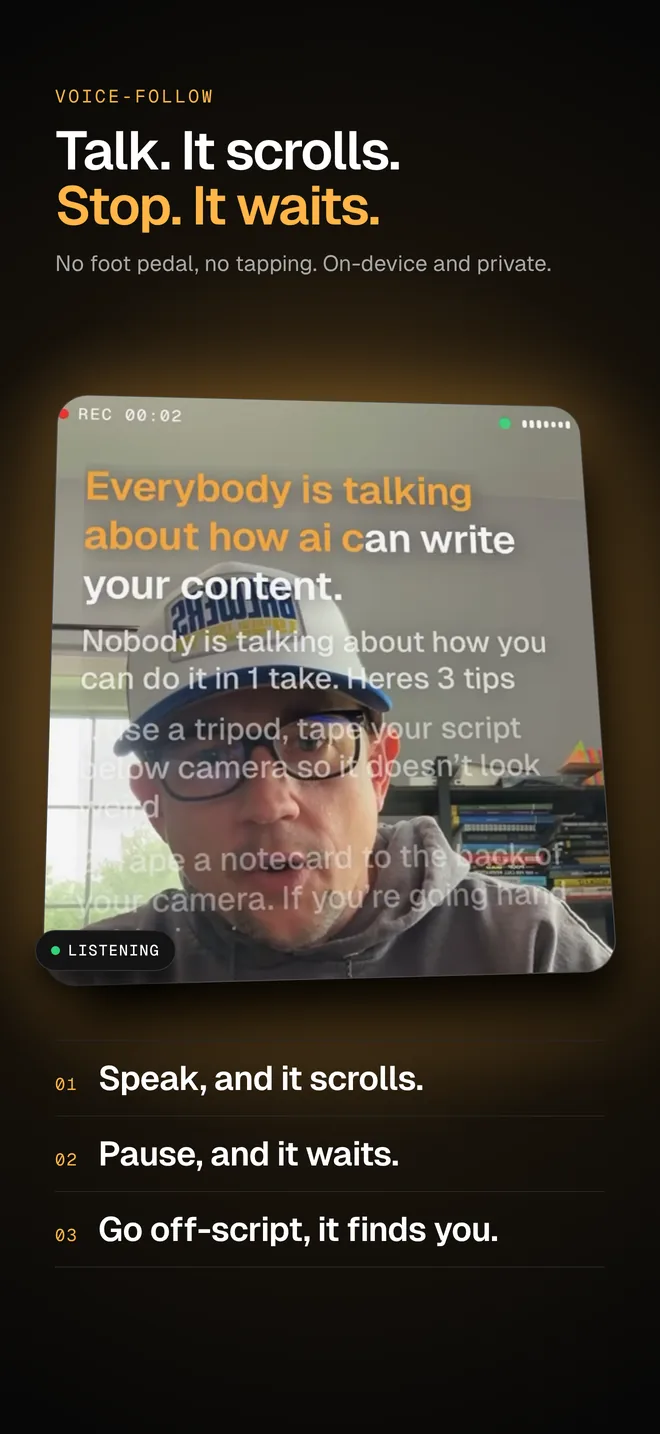
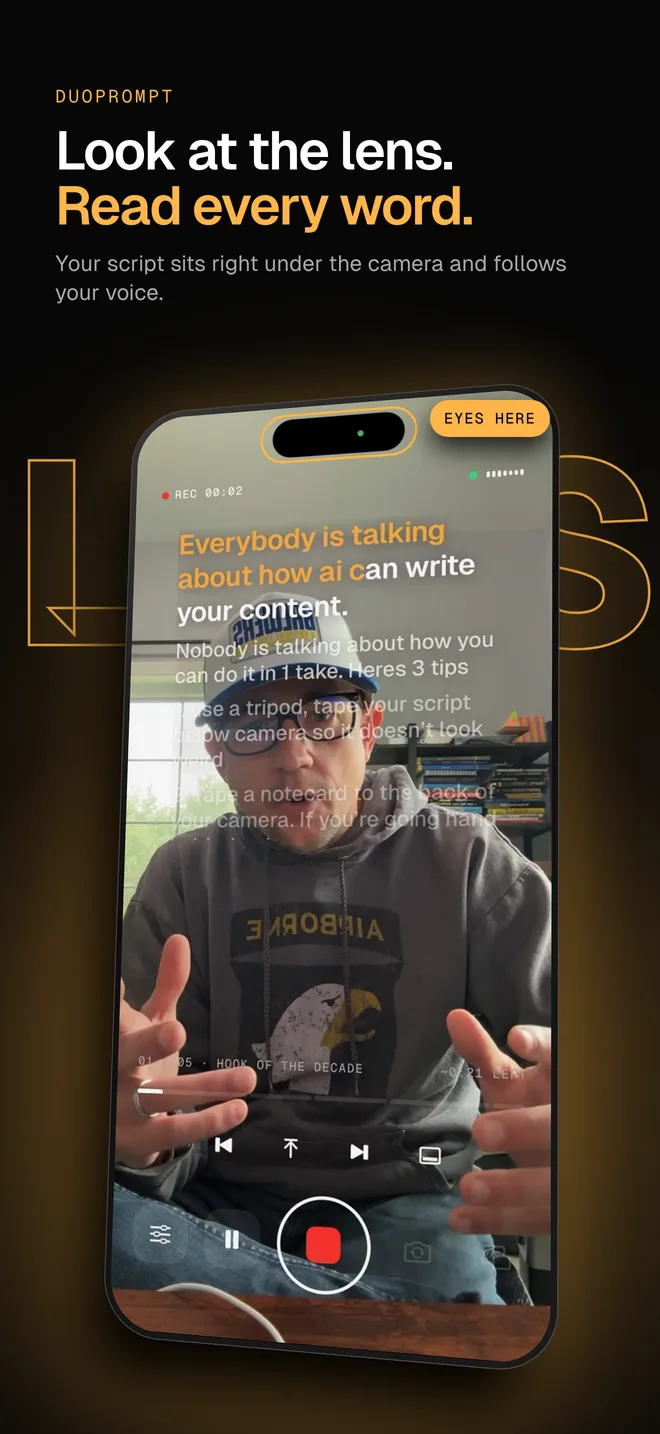
A voice-activated teleprompter listens while you read and moves the script to match your speech instead of scrolling at a fixed speed. DuoPrompt highlights each word as you say it, waits when you pause, and catches up if you skip a word or ad-lib.
Get it the day it launches
One email when it's on the App Store. No spam.
Updated
So here's the only routine you'll ever need.
How voice-follow works
- Your iPhone listens. DuoPrompt uses Apple's on-device speech recognition. Audio is processed on your phone and isn't uploaded.
- It finds your place. The last few words you said are matched against the script just ahead of where you are, allowing for a dropped word, a misheard word, or a quick ad-lib.
- It only moves forward. A stray word can't yank the script backward. Use the restart button to go back to the start of a line.
- It never gets stuck. If you're clearly talking but nothing matches for a moment, the script creeps forward gently until it locks back on.
- Ad-libs and re-takes. A quick ad-lib or a skipped word doesn't lose your place: the next line you read re-anchors it. For a full re-take, tap back a section or back to the top.
- Noisy rooms. Apple's voice processing is on by default to cut background noise and echo, and the mic button opens iOS Voice Isolation for louder spaces. A lav or wireless mic helps most in a busy room.
Voice-follow vs. a fixed-speed teleprompter
Fixed-speed teleprompters scroll at a set rate. That works if you read at exactly that pace every time, but real delivery speeds up, slows down, and pauses for emphasis. With voice-follow there's no speed to tune before each take, and no remote or foot pedal to manage while you're on camera.
Prefer a steady scroll? Switch to Manual in one tap. DuoPrompt measures your natural pace during setup and lets you nudge the speed mid-take.
Who it's for
- Creators recording TikToks, Reels, Shorts and YouTube videos
- Course creators and coaches filming lessons
- Sales teams recording personal video messages
- Speakers rehearsing talks and sermons
Try it free
Setup lets you try voice-follow on a demo line, and Pro unlocks it for your real videos. See what Pro adds, or read how it works on iPhone Duo.