
Free teleprompter
The free teleprompter app for iPhone, and what free really gets you.
The best free teleprompter app for iPhone is one that records video, keeps the script near the lens and lets you finish a real take without paying. DuoPrompt is free to download and includes a manual-scroll teleprompter, Pop auto-captions and 30-second takes. Here is how the free tiers compare.
Get it the day it launches
One email when it's on the App Store. No spam.
Published
By Steve Delarwelle · Updated
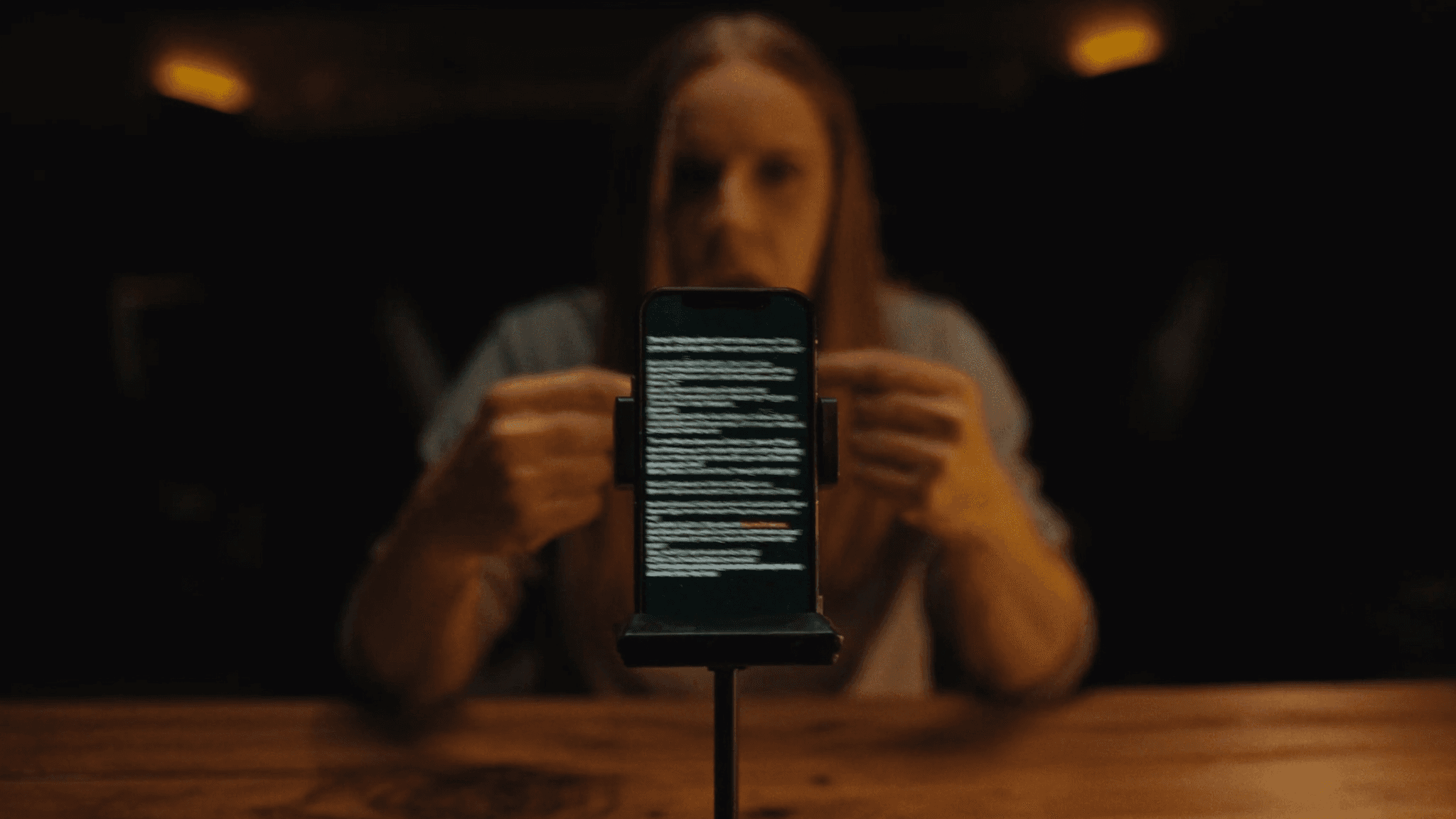
What counts as a free teleprompter app?
A free teleprompter app is one you can download and use at no cost to record at least one usable video. Almost every option on the App Store works the same way: the download is free, and limits on script length, take length, saved scripts or watermarks nudge you toward a paid plan. So the useful question is not whether it is free but what the free version lets you finish.
Short-form video is where this matters most. As cited by Shno's 2026 short-form video roundup, TikTok has about 1.6 billion monthly users, more than 75% of global video views happen on mobile, and about 85% of mobile video views happen with the sound off. A phone teleprompter that fits in your pocket is the practical way to hit a clean first take.
125-150
words per minute is a typical conversational speaking pace (The Speaker Lab)
75%+
of global video views happen on mobile (Teleprompter.com, 2025, via Shno)
~85%
of mobile video views happen with sound off (Teleprompter.com, 2025, via Shno)
How many words does a free take need?
Take length is the limit you will hit first, so start from the clock. At a typical speaking pace of 125 to 150 words per minute (per The Speaker Lab), a 60-second video needs about 125 to 150 words. The chart below is plain arithmetic: seconds divided by 60, times words per minute.
30 seconds
60 seconds
90 seconds
120 seconds
- 125 wpm (relaxed)
- 140 wpm (typical)
- 150 wpm (brisk)
| Length | 125 wpm (relaxed) | 140 wpm (typical) | 150 wpm (brisk) |
|---|---|---|---|
| 30 seconds | 63 words | 70 words | 75 words |
| 60 seconds | 125 words | 140 words | 150 words |
| 90 seconds | 188 words | 210 words | 225 words |
| 120 seconds | 250 words | 280 words | 300 words |
Our script length calculator does the same conversion for any word count, and Tighten rewrites a long script down to the length you pick.
Free tiers compared
Details come from each app's own App Store listing or pricing page, last checked October 2026. See the full comparison for sources.
| App | Cost to start | What you get |
|---|---|---|
| DuoPrompt | Free download | Manual-scroll teleprompter, iPhone Duo layout, front-camera recording, Pop auto-captions, 1 saved script and 30-second takes (watermark on saved videos). Voice-follow is Pro |
| Teleprompter for Video | Free download | Scripts up to 750 characters and about a minute of video; Premium from $8.99/month |
| BIGVU | Free download | Teleprompter plus editing and captions; paid plans from $24.99/month or $89.99/year |
| Speakflow | Free plan | Browser-based; Plus is $19/month |
| Voice Teleprompter PRO | $9.99 one-time | No free tier, but no subscription |
| PromptSmart Pro | $29.99 on the App Store | No free tier; optional in-app subscriptions |
Captions are part of the free tier
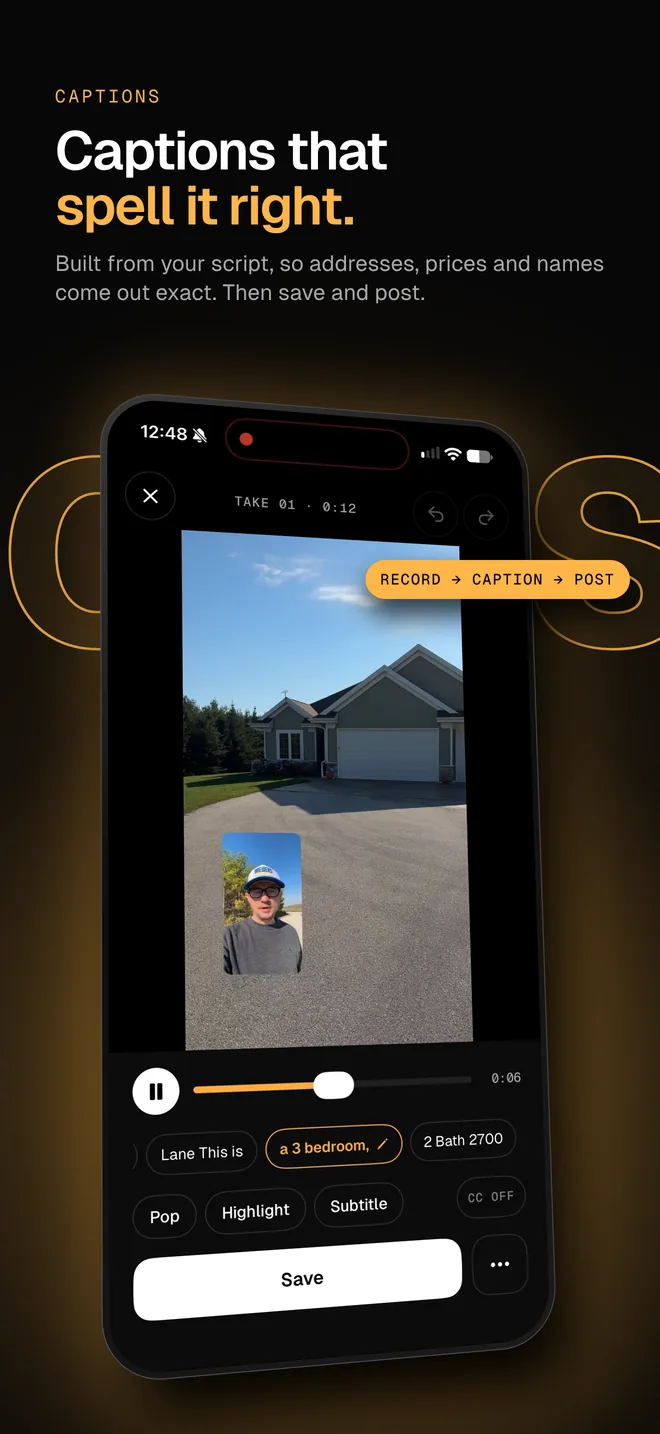
Stop a take in DuoPrompt and Pop auto-captions are already built from your script, so names, prices and codes come out spelled the way you wrote them. Drag them into place and save, free with a small watermark. Highlight and Subtitle caption styles are part of Pro. Other ways to do it are in how to add captions to video on iPhone.
What to look for in a free teleprompter app
- It records video. An app that only shows text sends you to another camera app and loses the point of a phone teleprompter. See teleprompter apps with a camera.
- The script sits near the lens. Reading beside the camera keeps your eyes where viewers expect them. On iPhone Duo, DuoPrompt puts the script on the camera half of the fold.
- It follows your voice. Voice-follow scrolling moves with you instead of at a fixed speed, so there is nothing to tune between takes.
- The limits fit your videos. A 30-second take cap suits short clips. For one-minute videos or longer lessons, plan for a paid tier.
- It keeps scripts private. DuoPrompt runs speech recognition on the phone and has no account or ad SDKs.
Record your first take for free in five steps
- Write or paste your script and keep it near the length in the chart above, about 65 to 75 words for a 30-second take.
- Mark sections with
##lines so you can see progress and time left. - Stand the phone at eye level and read once aloud to set your pace.
- Record with the scroll speed matched to that pace, or use Pro's voice-follow to scroll the script as you talk.
- Review the take in Photos, then re-record only the lines that missed.
For delivery tips, read how to read a teleprompter naturally.
Try DuoPrompt free
DuoPrompt launches alongside iPhone Duo. Join the launch list and we will email you the day it is free to download.
One email at launch. No spam.
Free teleprompter app questions
Is there a completely free teleprompter app for iPhone?
Several apps are free to download, but most limit script length, recording time or saved scripts. DuoPrompt's free tier has a manual-scroll teleprompter, Pop auto-captions, 1 saved script and 30-second takes with a small watermark. Voice-follow is part of Pro. Teleprompter for Video, BIGVU and Speakflow also offer free entry points with paid upgrades.
Can I use the iPhone camera app with a free teleprompter?
Yes, if the teleprompter records video itself. Free teleprompter apps with a built-in camera show the script on screen while the front camera records, and save the take to Photos. Apps without a camera need a second device or a glass rig, so check that recording is included before you rely on one.
How long a script can I read in a free teleprompter?
It depends on the app. At a typical speaking pace of 125 to 150 words per minute, a 60-second take needs roughly 125 to 150 words. DuoPrompt's free tier allows 30-second takes, which fits about 63 to 75 words at that pace. Longer takes need Pro.
Do free teleprompter apps add a watermark?
Many do. DuoPrompt adds a small getDuoPrompt.com watermark to videos saved on the free tier, and Pro removes it. Check an app's export screen before recording something you plan to publish.
Is a free teleprompter app good enough for TikTok, Reels and Shorts?
Yes, for short clips. A 30-second take fits a hook, one point and a call to action, which suits many Reels and TikToks, while 60-second videos need a longer take limit. Also check whether the script follows your voice or a fixed speed, whether you can record vertical video, and whether captions and a watermark fit your workflow.
Does DuoPrompt have a free version for iPhone Duo?
Yes. DuoPrompt is a free download, and the free tier includes the iPhone Duo layout that splits the screen on the fold, with the script beside the front camera. Pro adds voice-follow, Duo Camera, every caption style, longer takes and no watermark.